How-to
How to Charge an IGET Bar Pro (Every Rechargeable IGET)

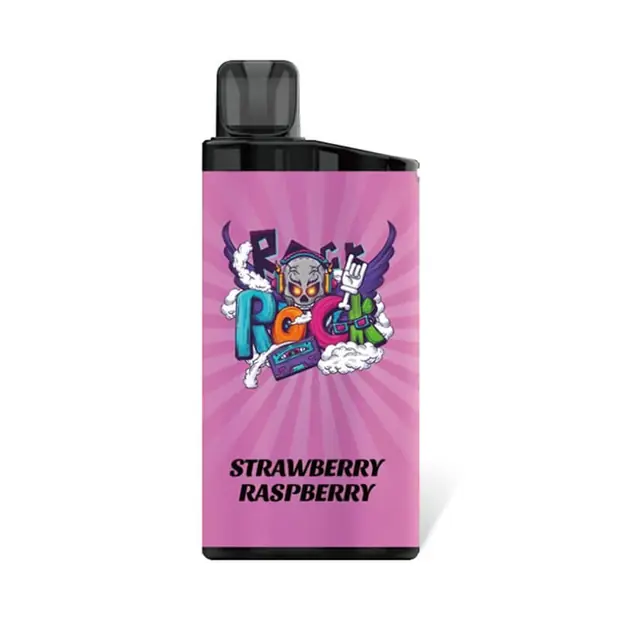
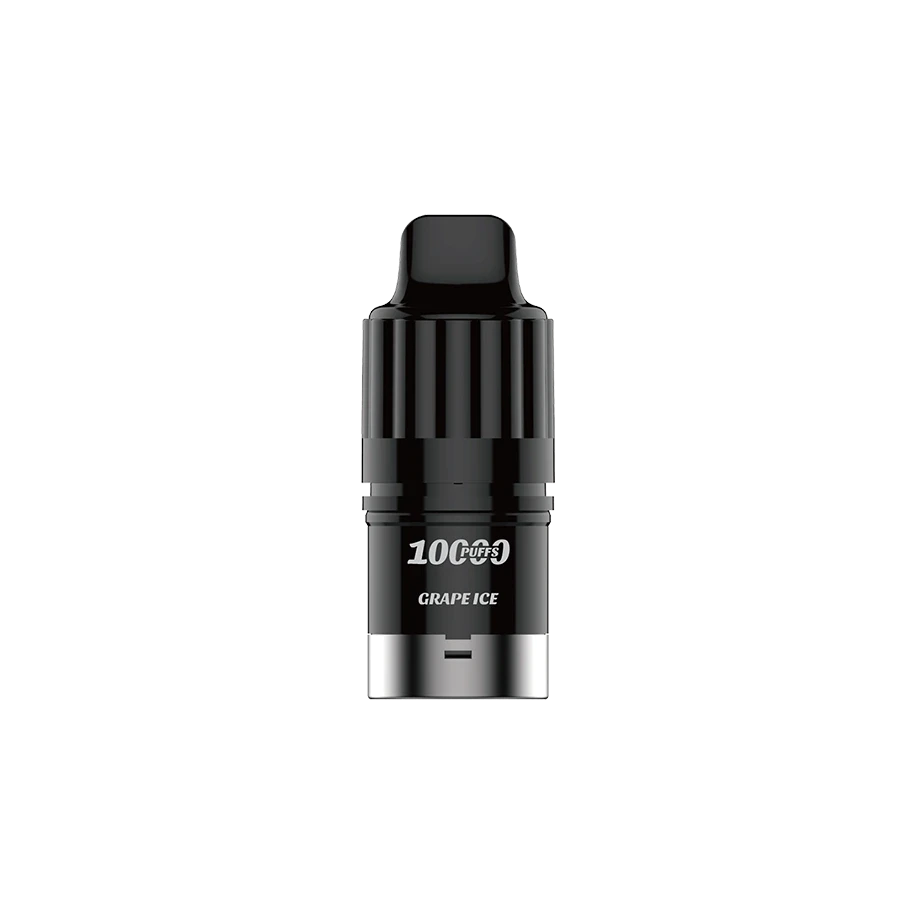
Newer IGET devices like the IGET Bar Pro 10000, IGET Moon and IGET Hot are rechargeable, which means you get every last drop of e-liquid instead of the battery dying early. Here is exactly how to charge an IGET Bar Pro, step by step.
What you need
- Your rechargeable IGET device
- A standard USB-C cable (the same type most Android phones use)
- A normal 5V USB wall plug or a laptop/power-bank USB port
Note: IGET devices do not include a cable, and you should never use a fast-charge or high-wattage adapter.
How to charge an IGET Bar Pro, step by step
- Find the USB-C port on the base of the device.
- Plug in a USB-C cable and connect the other end to a 5V USB source.
- The battery indicator light will turn on to show it is charging.
- When the light turns off (or shows full), it is done — usually around 45 minutes.
- Unplug it and vape as normal.
What do the charging lights mean?
- Light on / pulsing — charging in progress.
- Light off or steady — fully charged.
- Light flashes when you puff — the battery is low, plug it in.
Charging safety tips
- Use a standard 5V source — avoid fast chargers.
- Never leave a vape charging unattended or overnight.
- Charge at room temperature, away from anything flammable.
- If the device gets hot or won't charge, unplug it — see our IGET troubleshooting guide.
Do I need to charge a new IGET Bar Pro before first use?
No. Every IGET device ships pre-charged and ready to vape out of the box. You only need to recharge once the battery runs down during use.
Looking for a rechargeable IGET? Shop the IGET Bar Pro 10000 and the rest of the range in the IGET vape shop, with same-day AU dispatch. Adults 18+ only.